Features
Make a whole pattern for free.
Drawing, every stitch type, text, real DMC colours, the chart and 3 patterns to print with a free account, with patterns up to 300 by 300 stitches, two open at once, and no cap on thread count. Plus adds the tidying tools, patterns up to 500 by 500, four open at once, as many PDFs as you want with no "Made with" line, your patterns on any computer and credits to generate. Studio adds the finishing tools, patterns up to 1,000 by 1,000, six open at once, and gets new tools first.
It runs in the browser. Nothing to install, and nothing to sign up for before you start.
Generating, with credits
Describe it and get a pattern back.
What comes back is a real chart in DMC threads, ready to open and edit, not a picture you still have to convert.


One pattern is 10 credits and four takes are 20. A failed or refused pattern gives its credits back.
Getting a picture in
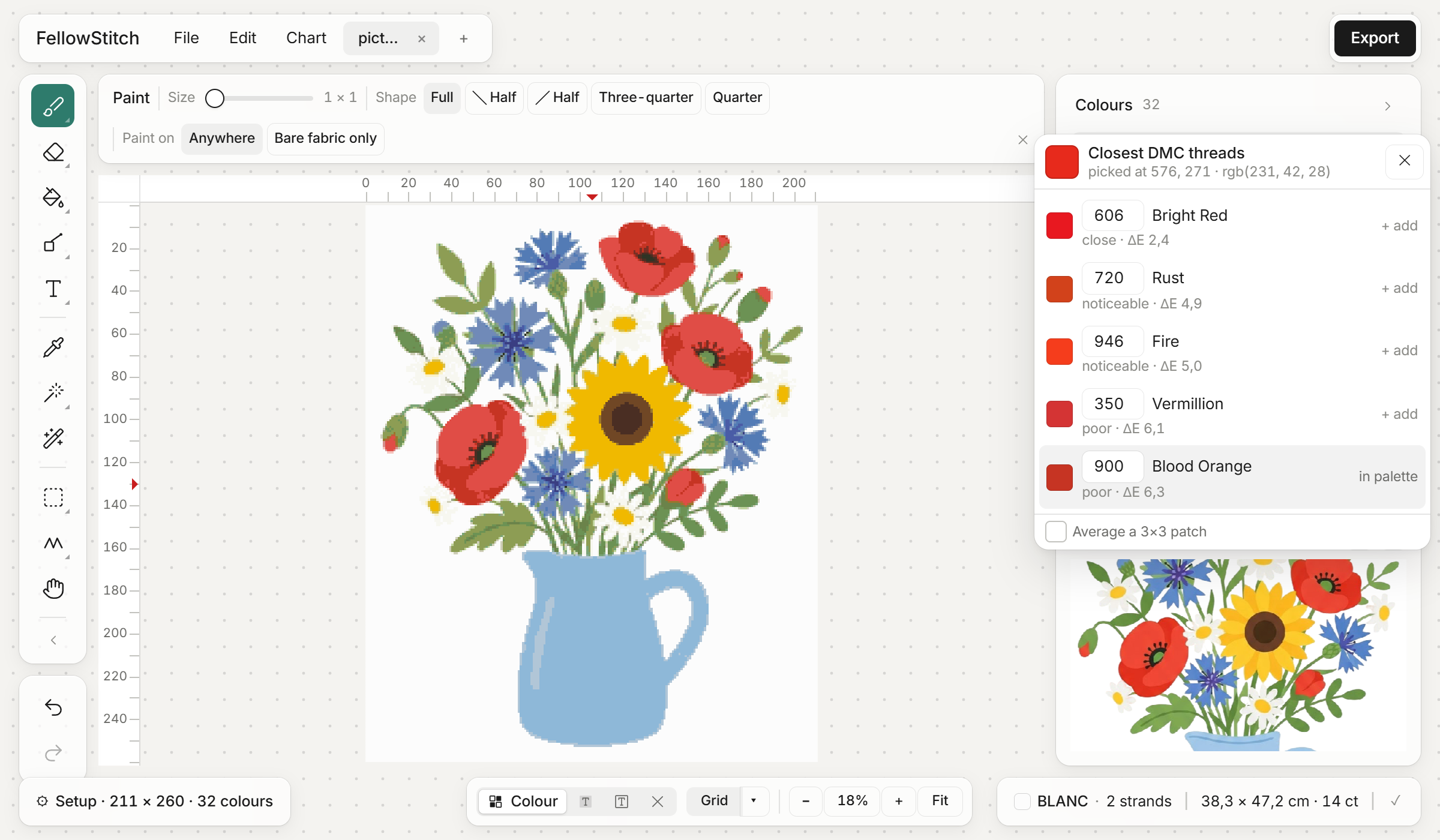
Drop a picture on it and get a chart.
Choose the size and it fits the picture to it. You see the result before you keep it.
Any picture
PNG, WEBP or JPG. Drop it on the canvas or pick it from your computer, then set the stitch count.
The colour count
Choose how many threads the pattern may use, or take the count it suggests.
The original beside it
Your picture stays open next to the chart. Click it to see the closest DMC threads.
A blank chart
Start from empty fabric at any width and height, with the cloth you choose.
Every plan.
The colours
Real threads, not screen colours.
Every square is a DMC thread you can walk into a shop and buy.
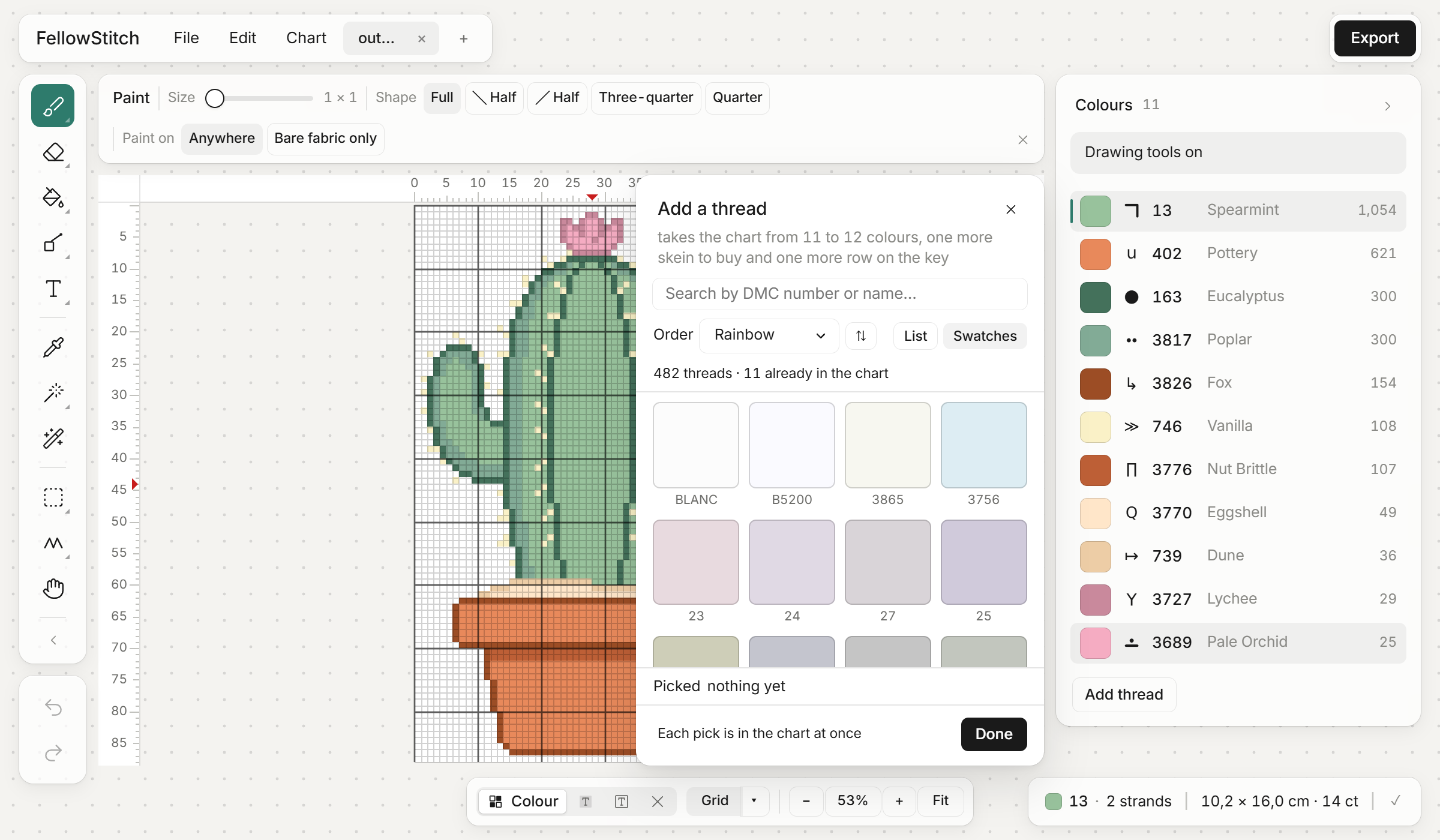
Add a thread
Browse the DMC table by number, by colour or from light to dark, as a list or big swatches.
Replace a thread
Swap every stitch of one colour for another thread in one go.
Blends
Two threads in one needle, in one square, when a shade sits between two skeins.
Merge and tidy the list
Merge two close colours, and remove unused or duplicated threads.
Symbols and strands
Change any symbol by hand, and set strands for the whole pattern or one colour.
Sort the list
By stitch count, backstitch, number, colour or lightness, either way round.
Every plan.
Drawing
Every stitch a chart can hold.
Paint and erase
A brush from 1 to 9 stitches wide, on anywhere or on bare fabric only.
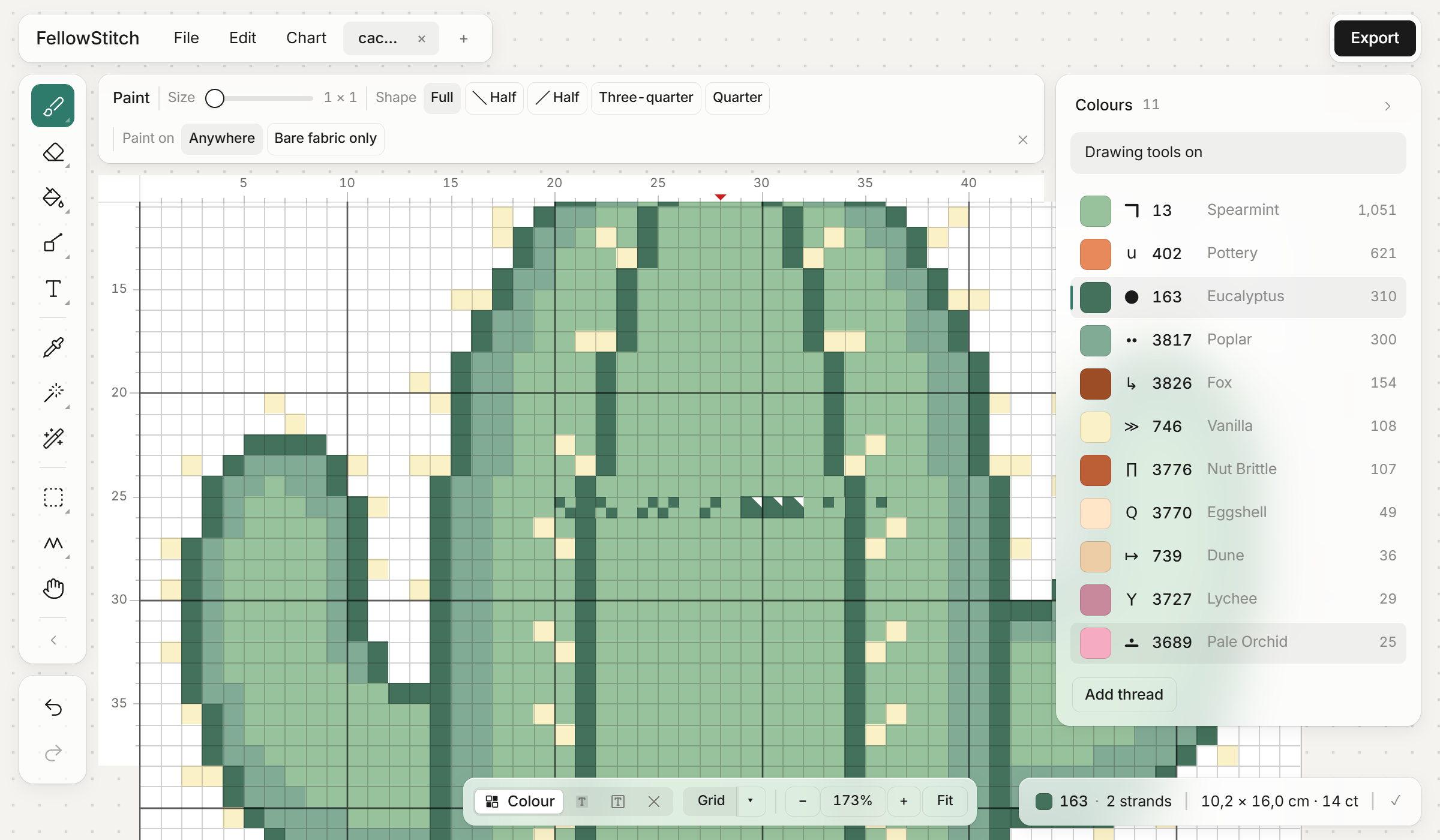
Quarters, halves and three-quarters
Fractional stitches for a curve a whole square cannot make.
Backstitch
Join the dots, draw with a pen, or place dots, in whole, half or quarter steps, normal or thick.
Fill
Fill touching stitches, diagonals too, or every stitch of one colour.
Lines and rectangles
Outlined or filled.
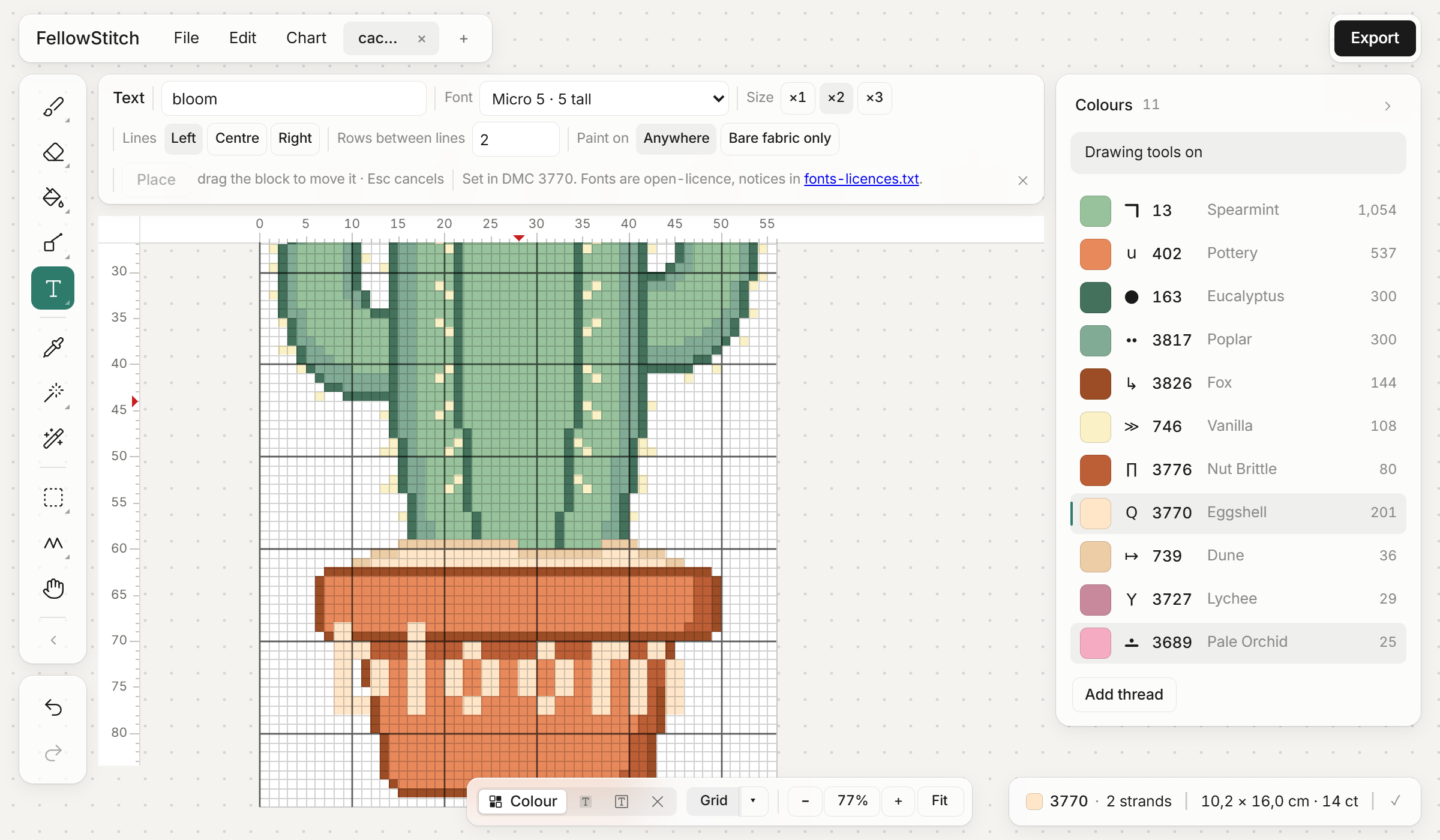
Text in 22 fonts
Names, dates and quotes, at three sizes, left, centred or right. Every font is a pixel font, so it lands on the grid.
Select, copy and paste
Select with a rectangle, an ellipse or freehand, then cut, copy, paste or delete.
Flip and rotate
Mirror a selection either way or turn it a quarter.
Pick a colour
Click a stitch to make its thread the one you paint with.
Every plan. Every change can be undone.
Tidying up, on Plus and Studio
Turn a converted photo into something worth stitching.


A lone stitch is judged against all eight neighbours, so a diagonal counts as company.
Finishing, on Studio
The tedious pass, done for you.
Every symbol and every thread can still be changed by hand on every plan. These do it in one press.
Best symbols, one press
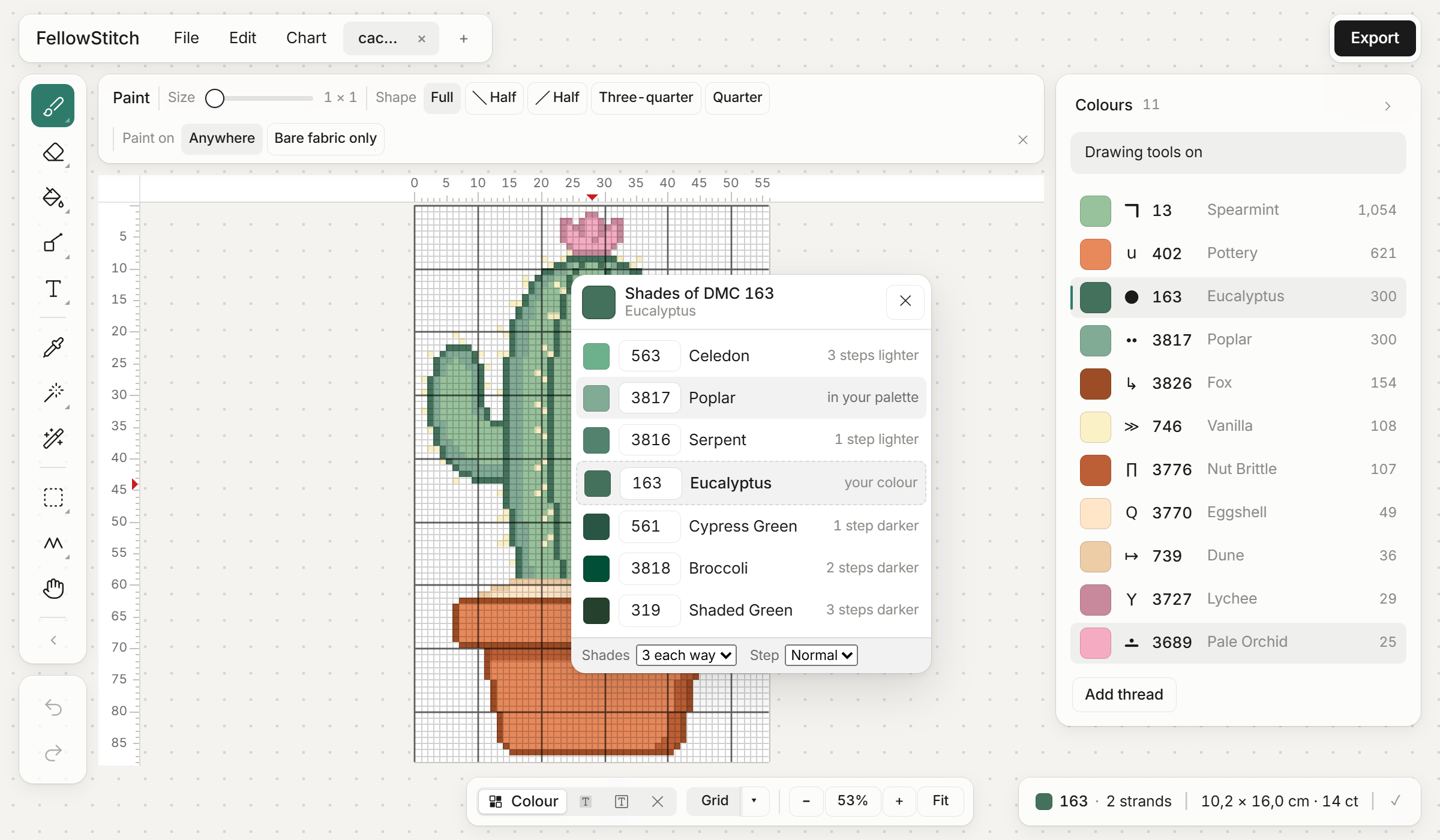
Matches symbol weight to thread darkness so the black-and-white chart reads like a greyscale, and never hands out two look-alikes.
The shade ladder
Pick a thread and get the nearest DMC steps up and down, ready to paint with.
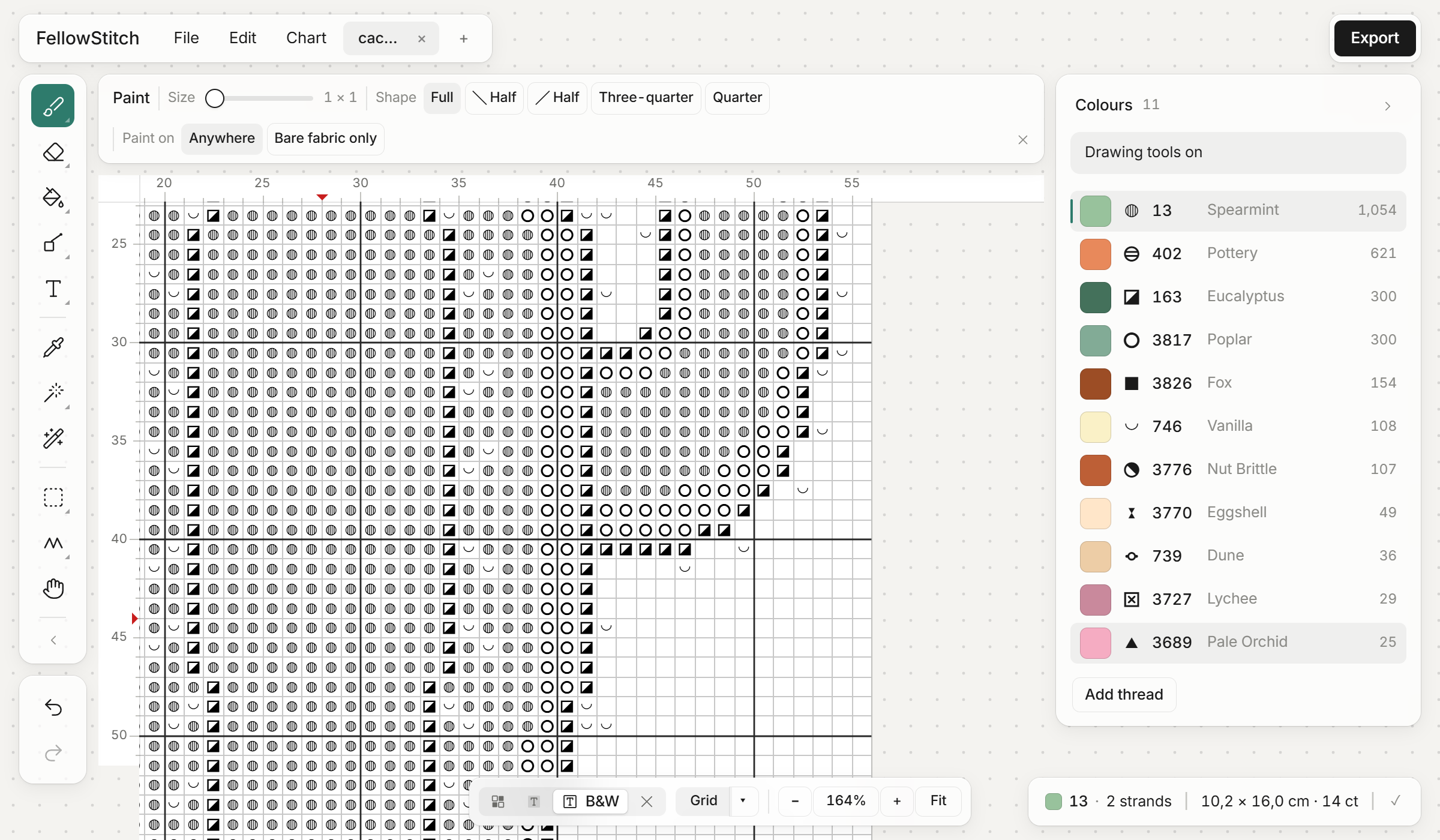
The chart
A key you can read across the room.
Our own symbol set, drawn for this app.
Four views
Colour, colour with symbols, black and white, and a stitched look.
Gridlines your way
A line per stitch, a bold line every 10, red centre lines and numbered rulers, each on or off.
Size and fabric
Add or remove rows on any side, crop to the design, and set the cloth count and colour.
Night and a bigger chart
Night puts dark grey around the chart for stitching in the evening, and the side panels fold away to give the chart the whole screen.
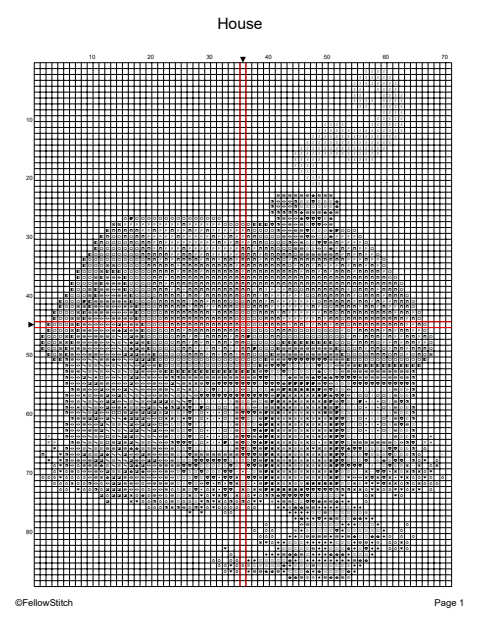
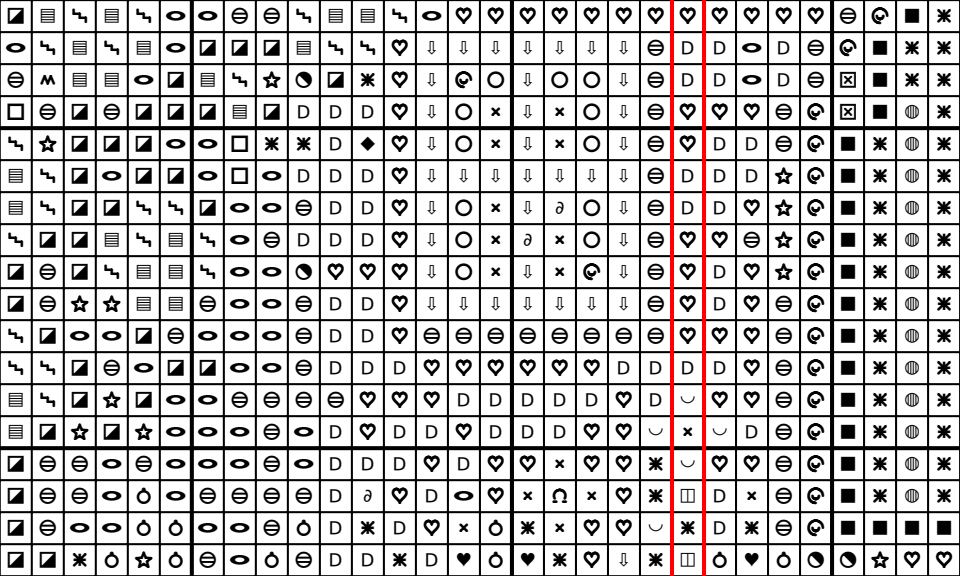
Every plan. Each thread carries its own print colour and a note for the key page, so the key says what you want it to say.
The PDF
The chart is clean on every plan.
Nothing is ever printed across your chart. One-page and multi-page editions, colour and black-and-white, and a key page with the thread list, the skeins to buy and what the finished piece measures on nine cloth counts.
Set it up once
Page size, gridlines, how stitches and backstitch are drawn, the order of the thread list, and blank pages left out.
See it before you save
A live preview of every page, and a map of how the chart splits across pages.
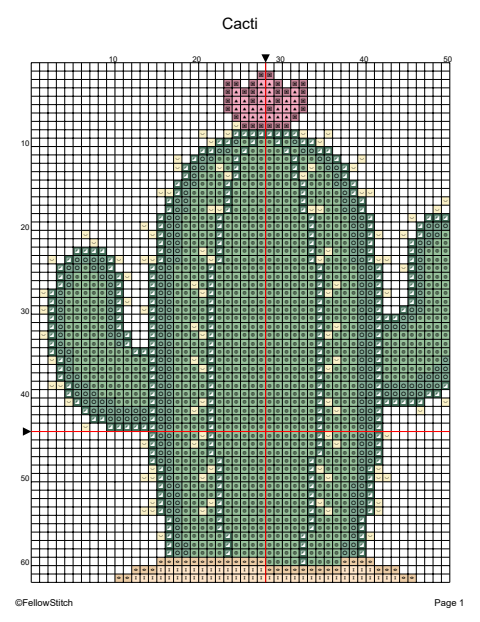
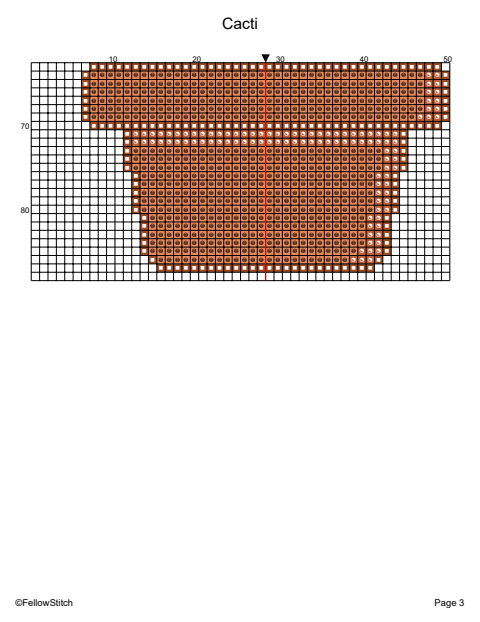
A free account prints 3 patterns free, each as often as you like, with one "Made with FellowStitch" line at the foot of the page, and more for 10 credits a pattern. Plus and Studio print as many as you want and leave the line off.
Your files
Your patterns stay yours.
Save to your computer
A .fsp file you can keep anywhere. It does not need us.
OXS in and out
The file other cross-stitch programs read, with title, author and copyright.
Pattern Keeper
A PDF laid out so the tracking app can read it.
Autosave and recent patterns
Your work is kept in the browser as you go, and recent patterns reopen in one click.
Several patterns at once
Open patterns in tabs and move between them. Two at once on Free, four on Plus, six on Studio.
A stitched picture
Save a picture of the pattern as if it were stitched, for your listing.
On any computer
Plus and Studio keep your patterns in your account.
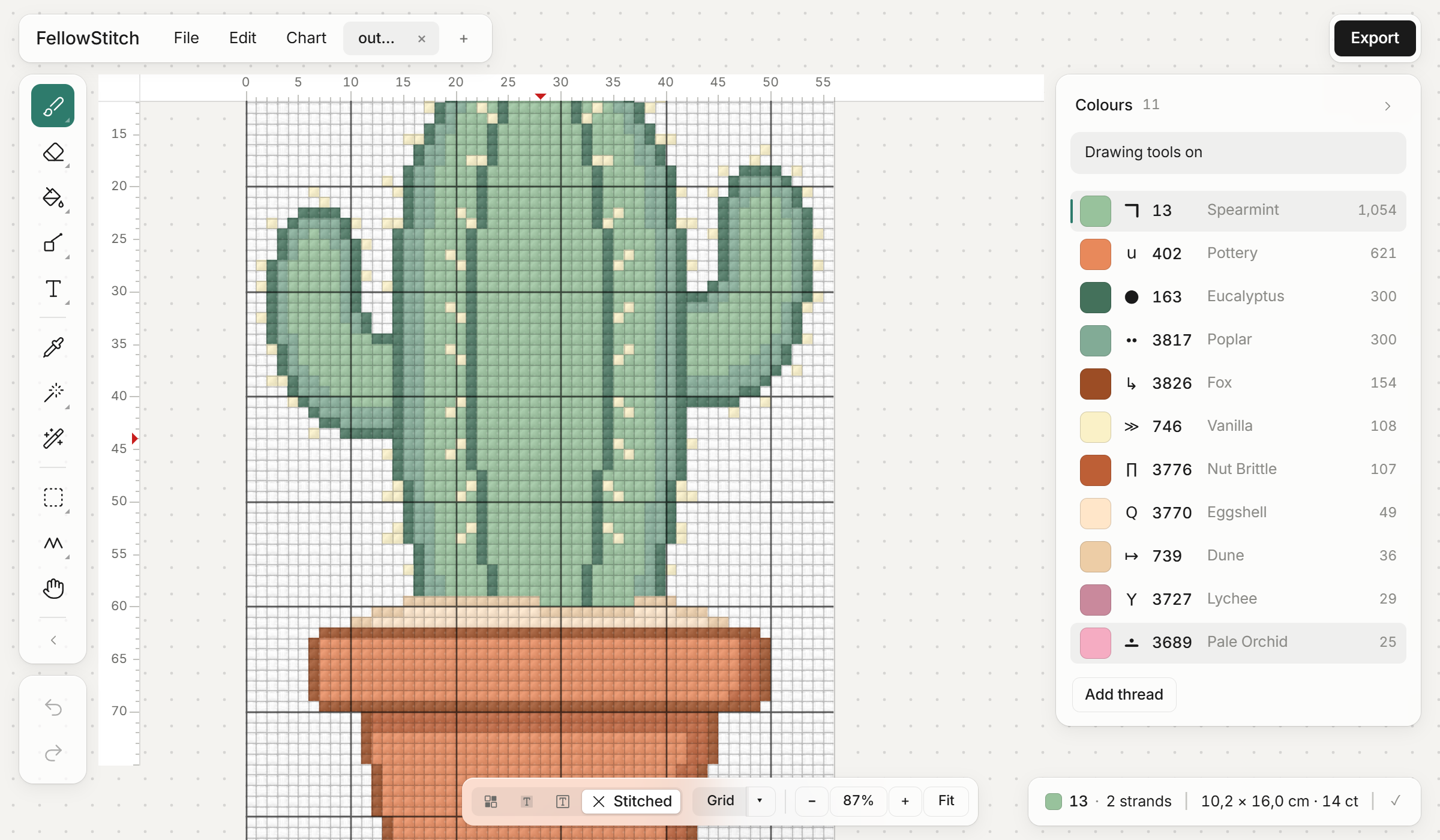
No pattern is ever held hostage in an account.